
ViXL guide / browser workflow
Find and install a ViXL App
Reviewed 28 October 2026 · Availability varies by release and channel.
Browse ViXL Apps at vixl.shop. Each App has a version and release status; read these before installing so you know which tools you are adding.
The 23 October customer installer checks covered Test 0.1.0, ViXL Play Pro 0.6.0 and GO TIME 0.1.3 on Lite 0.6.0-installer-parity.1. Separate public testing evidence covered Type 0.4.0 installation, Installed Apps and a rendered Scene on beta 0.6.2-beta.2. These are bounded checks, not qualification of every App or the complete customer authoring workflow.
Next steps
- Choose an App in the Library and check its exact version, status and destination.
- On its detail page, follow Install in ViXL Lite for the customer channel, or Install in ViXL Lite beta for public testing. This opens a separate install page in the matching Lite origin; opening the link does not install the package.
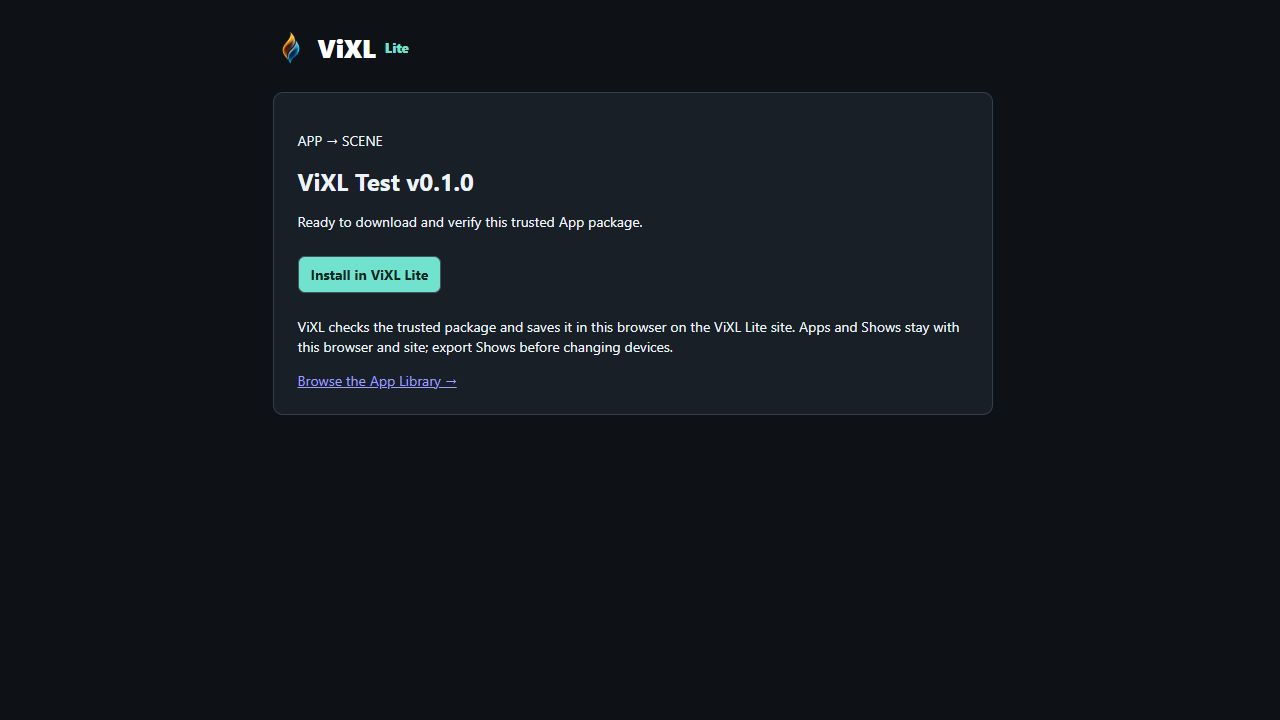
- On that Lite install page, press Install in ViXL Lite to verify and install the package. Keep both actions in the same browser, profile and channel.
- Find the App in Installed and check its version. Try only the controls available in that release. Guest installs stay in that browser on that site; they do not automatically follow you to another browser or device.
Availability depends on the App and channel. Installation does not imply paid checkout, a licence purchase or account sync.