
 ViXL visual study
Available in browser
ViXL Lite
Create visual states, arrange Cues, and run a Show from your browser. Open Lite to explore the live product.
Explore Lite
ViXL / Real-time graphics platform
Create visual states, prepare Cues, and bring them to Program as a show unfolds.
ViXL Lite runs in the browser. Pro and Systems are in development. Tell me when the Windows release is ready →
One platform
Build with Apps, shape with layers, prepare with cues, and take a ready composition to Program. The platform direction carries that language from browser operation into professional systems.
Explore the platform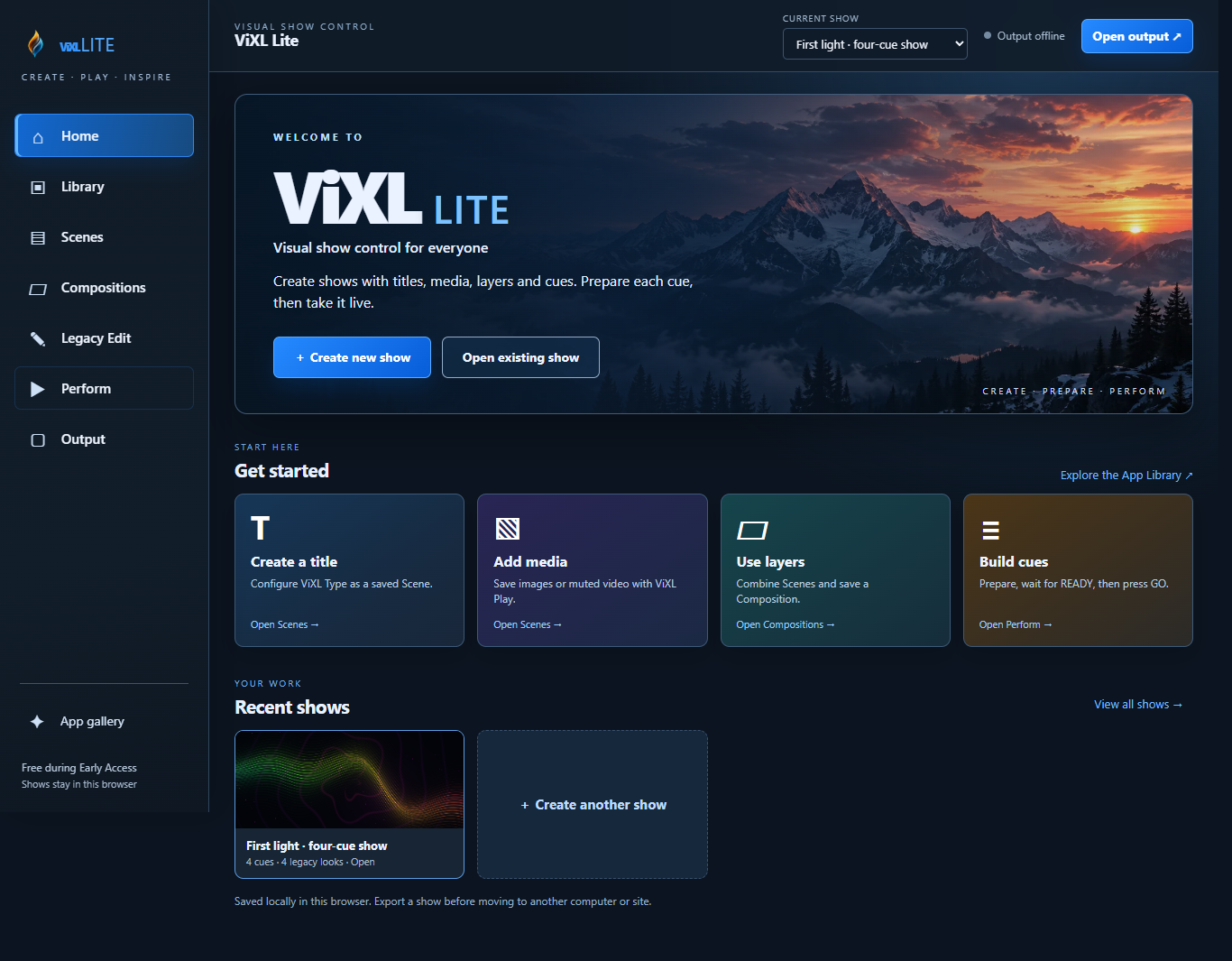 Development interface capture
Apps, media, Scenes and Compositions.
Compositions, Cues, readiness and GO.
Render the active visual state in real time.
Send Program to a browser output display.
Product family
ViXL Lite is the browser entry point. Pro and Systems have their own development paths.
View all productsViXL visual studyCreate visual states, arrange Cues, and run a Show from your browser. Open Lite to explore the live product.
Explore Lite
A professional local and offline path built around the same show model.
Explore Pro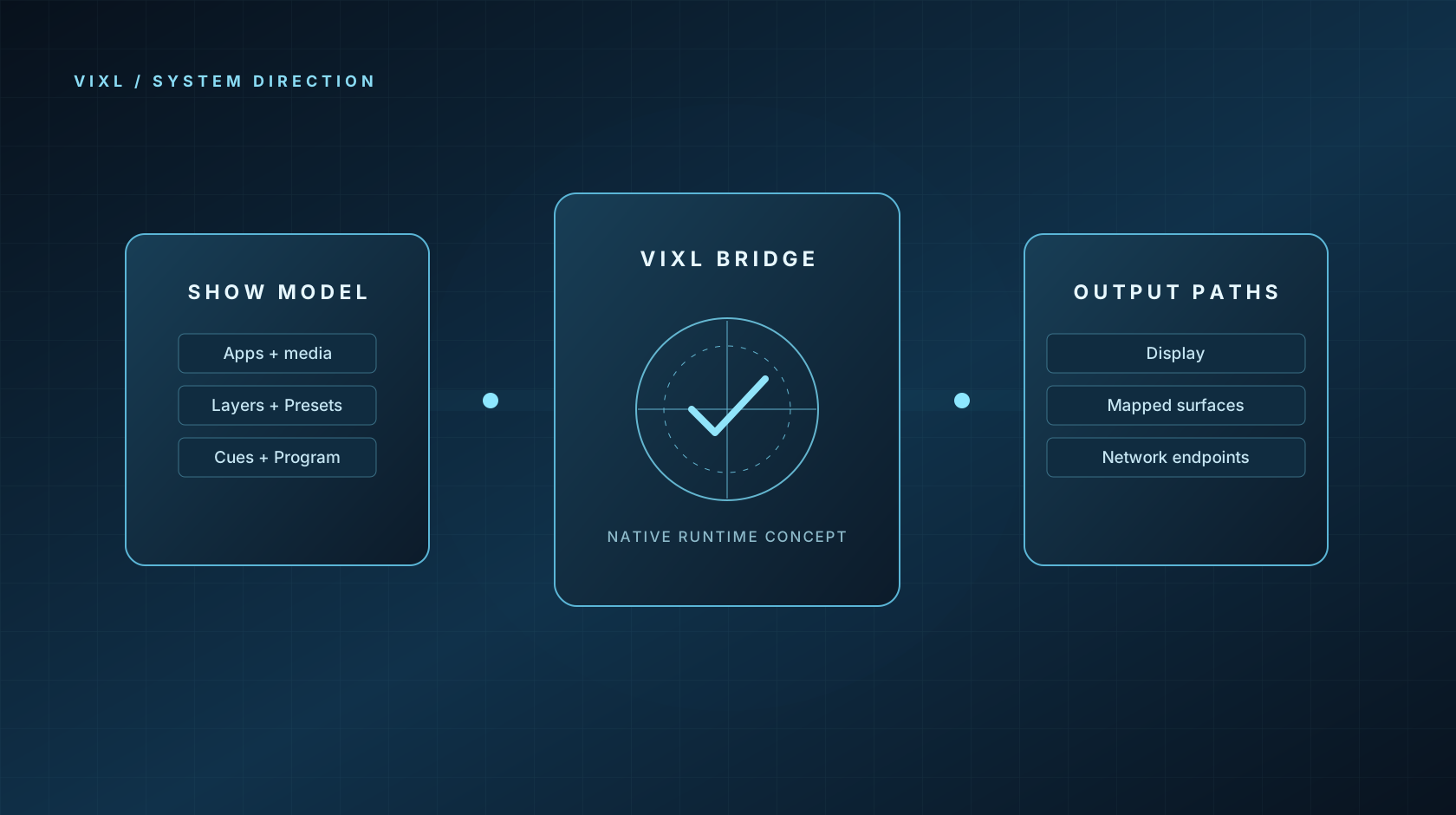 System concept
Purpose-built professional media-server systems are part of the roadmap.
Explore SystemsViXL Space / platform concept
ViXL Space is the logical composition canvas for a show. The platform direction separates what you build from where it appears, so output systems can evolve around a stable show.
Understand ViXL Space ViXL visual study
Built for
ViXL is being designed for repeatable, controlled visuals across live spaces and productions.
Build repeatable visual workflows across clients and crews.
Give recurring shows a consistent visual operating model.
Prepare and take visual states with operator confidence.
Shape interactive visual systems around a common show model.
ViXL for Windows
The Windows release is in preparation. We will link directly to its Steam and Festly pages when each destination is public and verified.
Tell me when it is readyThe wishlist link will appear here after the public Steam page opens.
Store page pendingThe direct purchase link will appear here when the Windows product and delivery are ready.
Product page pendingLeave your email for a ViXL for Windows storefront update.
Start with ViXL
Open ViXL Lite to build visual states, prepare Cues, and explore the platform in your browser.